
Other
20.3 MB
6 downloads
Document Overview
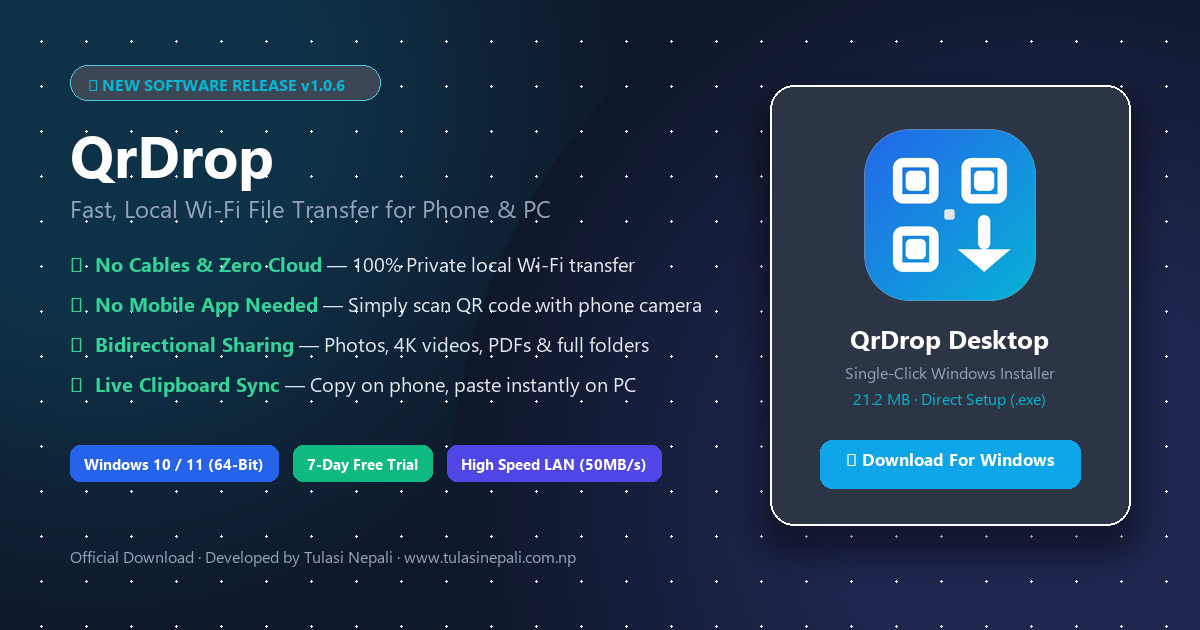
QrDrop is a fast, lightweight, and private Wi-Fi file and clipboard transfer software developed by Tulasi Nepali for Windows 10 and Windows 11. It enables instant, wireless file and folder sharing between any smartphone (Android or iPhone) and your computer over your local Wi-Fi network or mobile hotspot. Because all transfers happen directly over your local network at speeds up to 50 MB per second, your files never touch third-party cloud servers, ensuring 100% privacy with zero cable overhead. There is no need to install any app on your mobile phone; you simply scan the dynamic QR code displayed on your PC screen using your phone camera or web browser to begin transferring photos, videos, documents, and folders in both directions. QrDrop also features real-time clipboard synchronization, allowing you to copy text on your phone and paste it directly onto your computer. The software includes an easy first-time setup wizard for choosing your station name and save directory, runs quietly in your Windows system tray, and includes a full 7-day free trial. QrDrop is also officially available on the Microsoft Store (App ID: 9PHMBVMRQQ9T). For support and lifetime product keys, visit www.tulasinepali.com.np or email meropaper1@gmail.com.
100% Free
•
Direct Speed
•
Safe & Clean
File Specifications
| File Format | Other |
| File Size | 20.3 MB |
| Category | Technology |
| Total Downloads | 6 |
| Publication Date | November 16, 2026 |